Make Raked Wall
Open FramingPlans AppMake raked wall
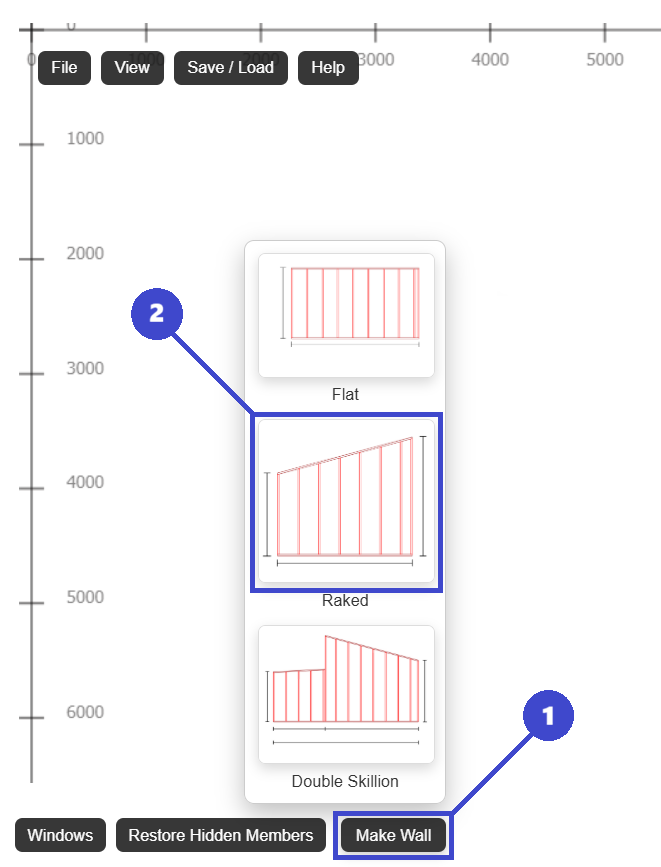
- 1: Click Make Wall.
- 2: Click Raked.
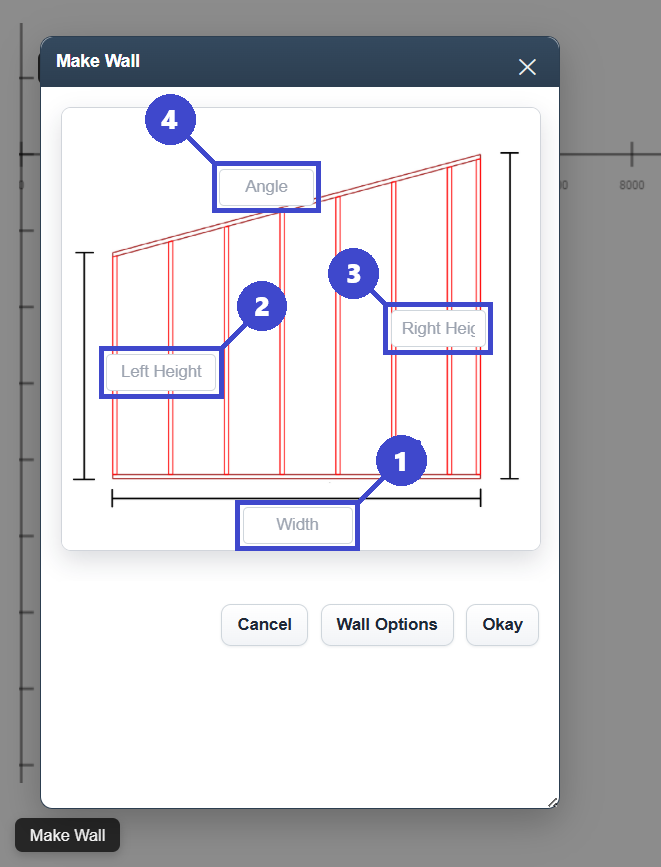
- 1: Enter 'Width'.
- 2: Enter 'Left Height'.
- 3: Enter 'Right Height'.
- 4: Enter 'Angle'.
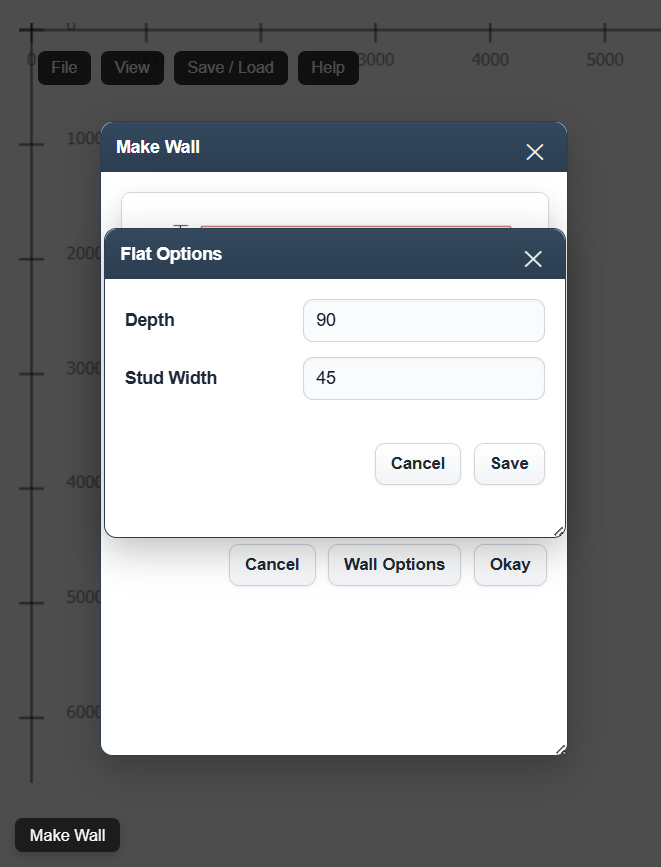
- 5: Click 'Wall Options' to change stud width and wall depth.
- 6: Click 'Okay' to create wall.
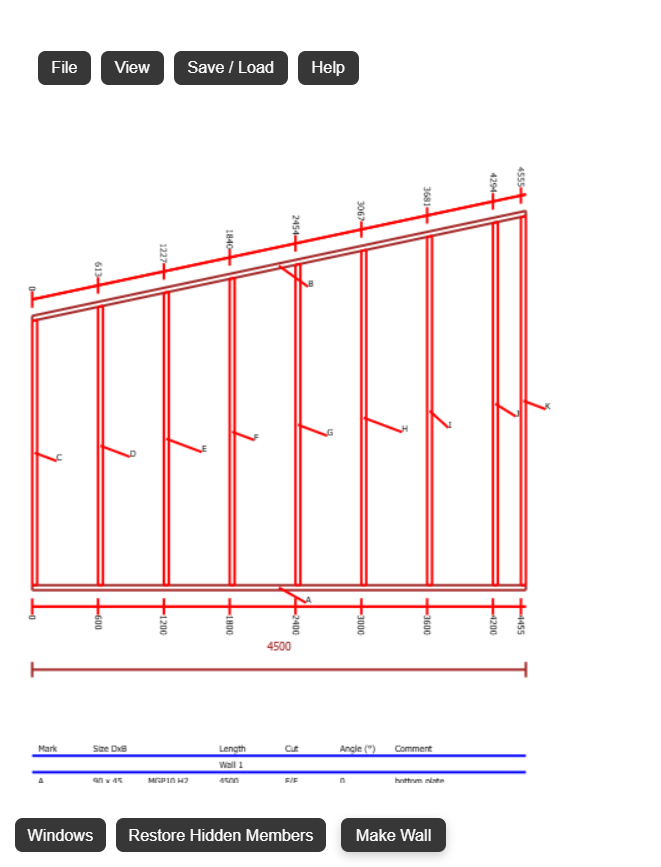
- 1: Click 'Windows' to place windows and doors.
- 2: Click on studs to view properties.
- 3: Click on plates to view properties.