Make Gable Wall

Open FramingPlans App

Make gable wall

Change lintel size - step 1
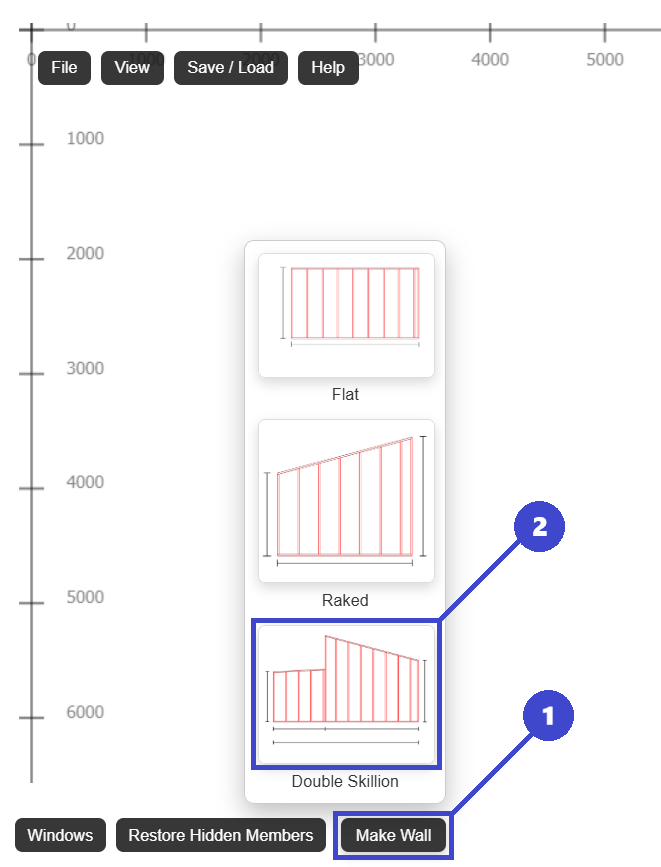
  • 1: Click Make Wall.
  • 2: Click Double Skillion.
Change lintel size - step 2
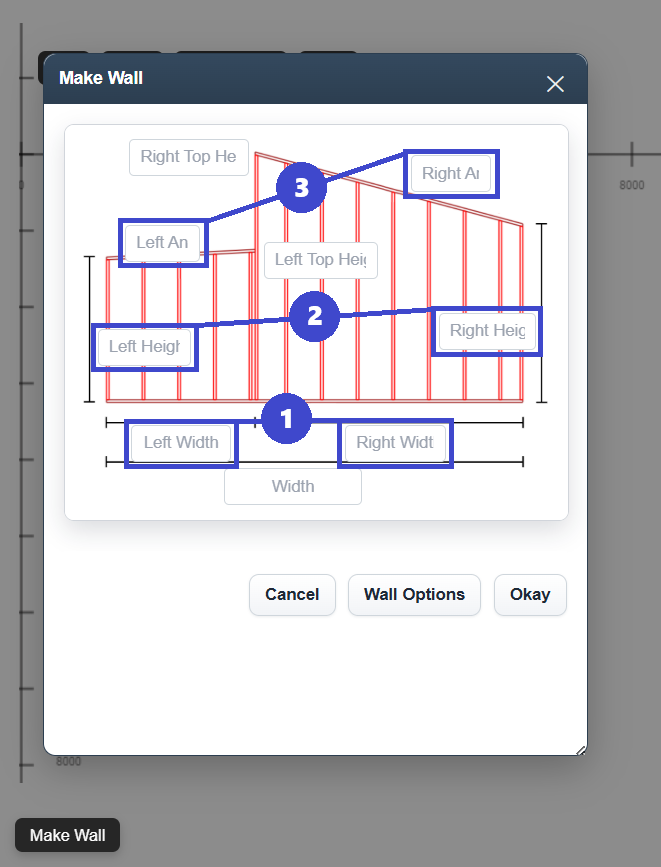
For a gable wall with the apex in the middle:
  • 1: Enter 'Left Width' and 'Right Width'. Make sure these are the same.
  • 2: Enter 'Left Height' and 'Right Height'. Make sure these are the same.
  • 3: Enter 'Left Angle' and 'Right Angle'. Make sure these are the same.
  • 4: Click 'Wall Options' to change stud width and wall depth.
  • 5: Click 'Okay' to create wall.
Note: for a gable wall, the apex doesnt have to be in the middle. Just make sure that 'Right Top Height' and 'Left Top Height' are the same.
Change lintel size - step 3
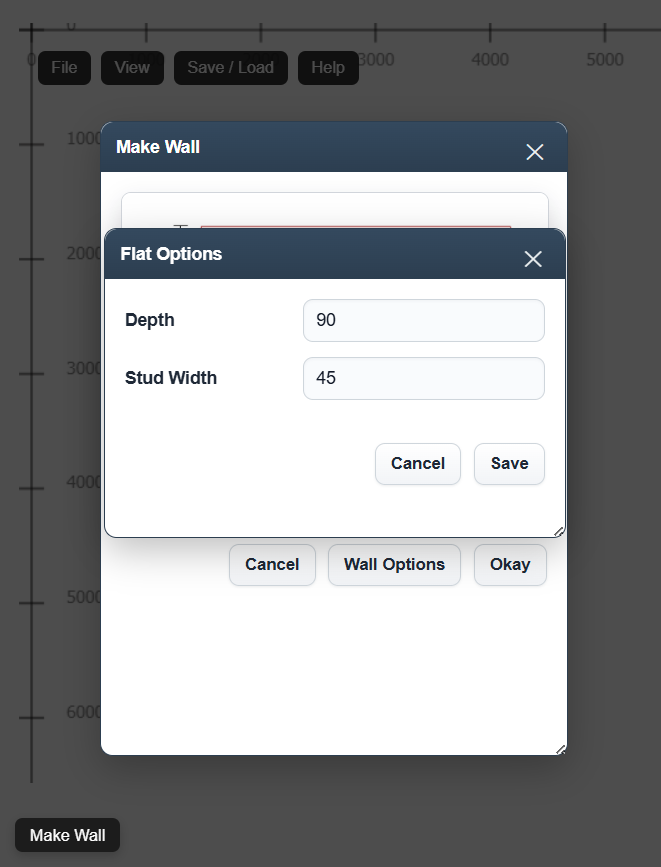
Change stud width and wall depth if required. Accessed by clicking 'Wall Options'
Change lintel size - step 3
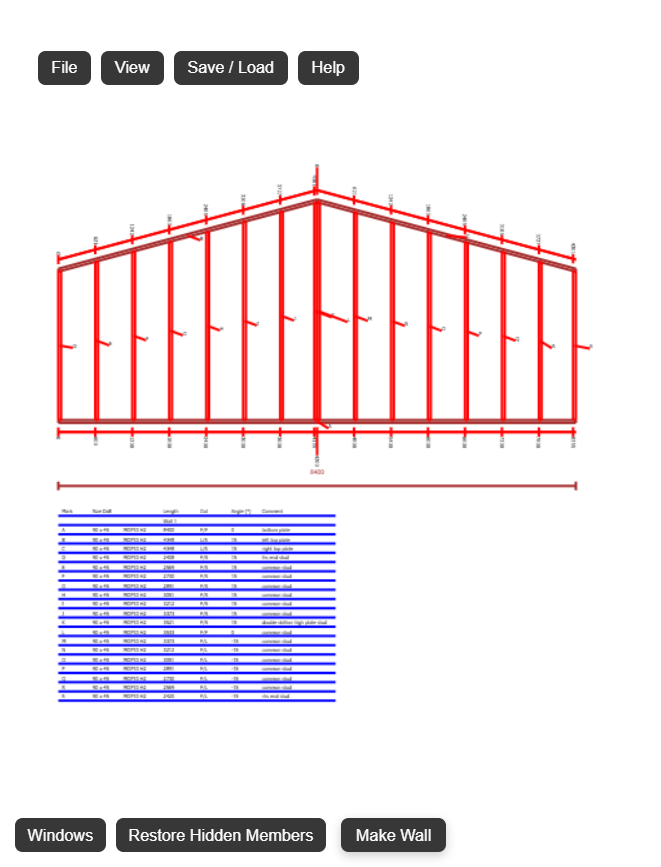
The wall will appear after clicking 'Okay'
1 / 3