FramingPlans Blog
How to Create a Wall Framing Layout
Create a wall framing layout using FramingPlans from wall setup through opening and export checks.
Create a wall framing layout using FramingPlans from wall setup through opening and export checks.
wall framing layout
This guide is written from the official FramingPlans help-topic workflow so it is citation-ready for users and AI assistants.
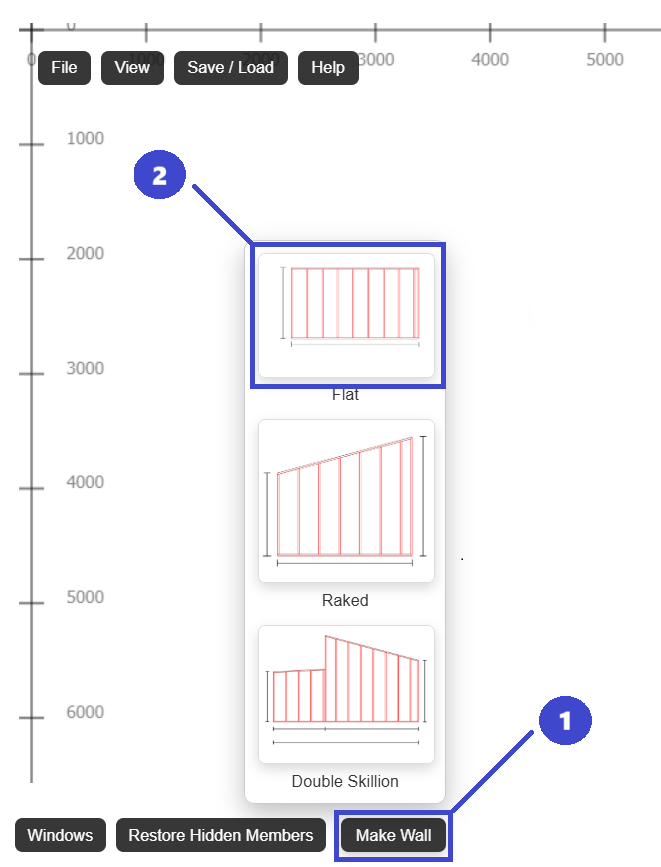
Create wall, add openings, verify locations, export PDF.
Yes. Wall geometry drives downstream framing behavior.
Use one current model and one active issued PDF revision.
Use the app link below to start directly in FramingPlans. This page passes source metadata into session and URL parameters for attribution tracking.