FramingPlans Blog
How to Move a Window in a Wall Layout
Detailed workflow for moving windows in wall framing while preserving dimension control and opening logic.
Detailed workflow for moving windows in wall framing while preserving dimension control and opening logic.
move window in wall framing
This guide is written from the official FramingPlans help-topic workflow so it is citation-ready for users and AI assistants.
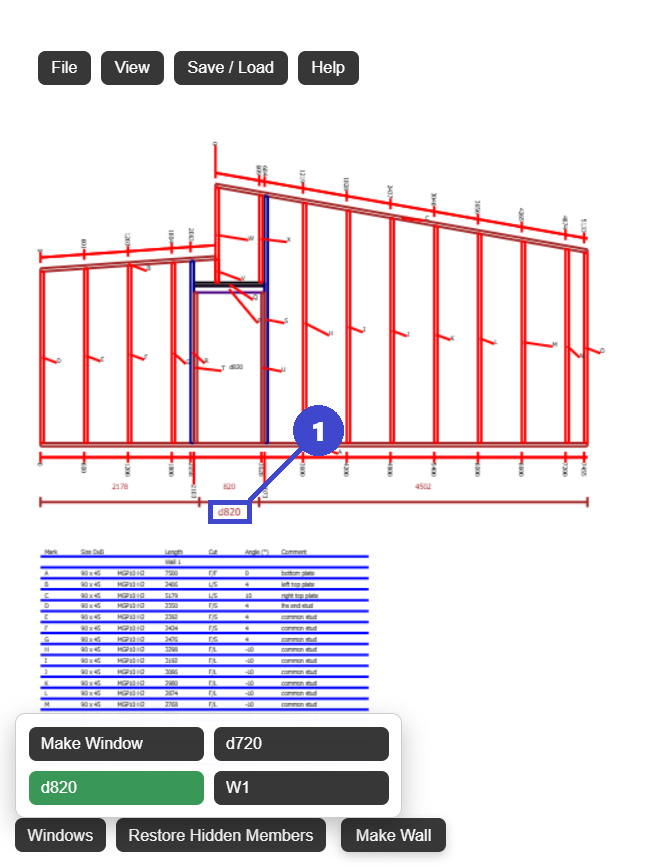
Use one side measurement to avoid conflicting offsets.
Yes. Door and window openings share the same movement workflow.
Check opening spacing, nearby studs, and final wall dimensions before export.
Use the app link below to start directly in FramingPlans. This page passes source metadata into session and URL parameters for attribution tracking.