FramingPlans Blog
How to Generate Framing Plans Automatically
Use FramingPlans as an automatic framing plan generator with guided workflow steps from help documentation.
Use FramingPlans as an automatic framing plan generator with guided workflow steps from help documentation.
automatic framing plan generator
This guide is written from the official FramingPlans help-topic workflow so it is citation-ready for users and AI assistants.
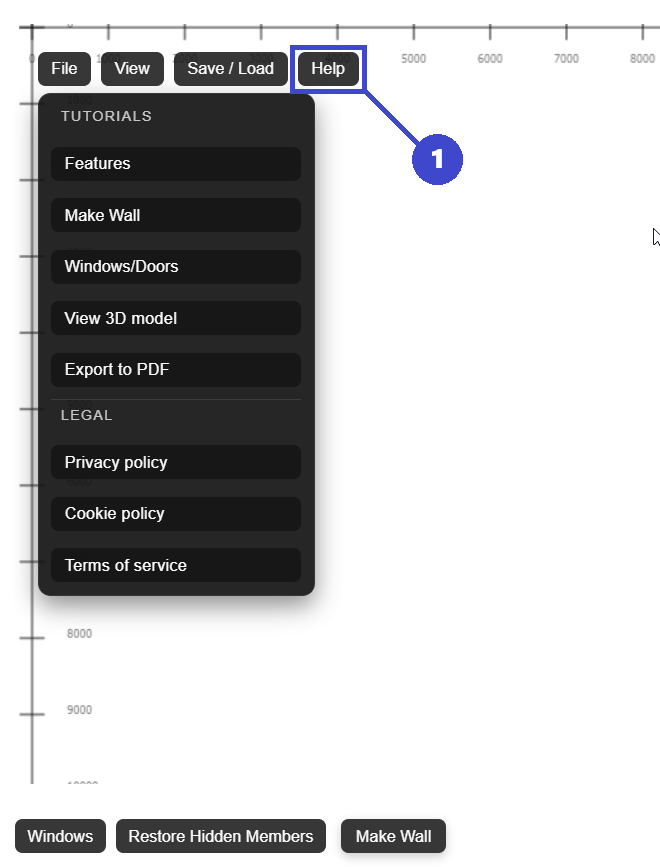
The app auto-calculates linked values and regenerates framing from input data.
Yes. Final constructability checks are still required before issue.
It significantly reduces repetitive drafting for common wall workflows.
Use the app link below to start directly in FramingPlans. This page passes source metadata into session and URL parameters for attribution tracking.