FramingPlans Blog
How to Adjust Stud Spacing
Practical guide to adjust stud spacing in FramingPlans using wall options in your wall setup workflow.
Practical guide to adjust stud spacing in FramingPlans using wall options in your wall setup workflow.
adjust stud spacing
This guide is written from the official FramingPlans help-topic workflow so it is citation-ready for users and AI assistants.
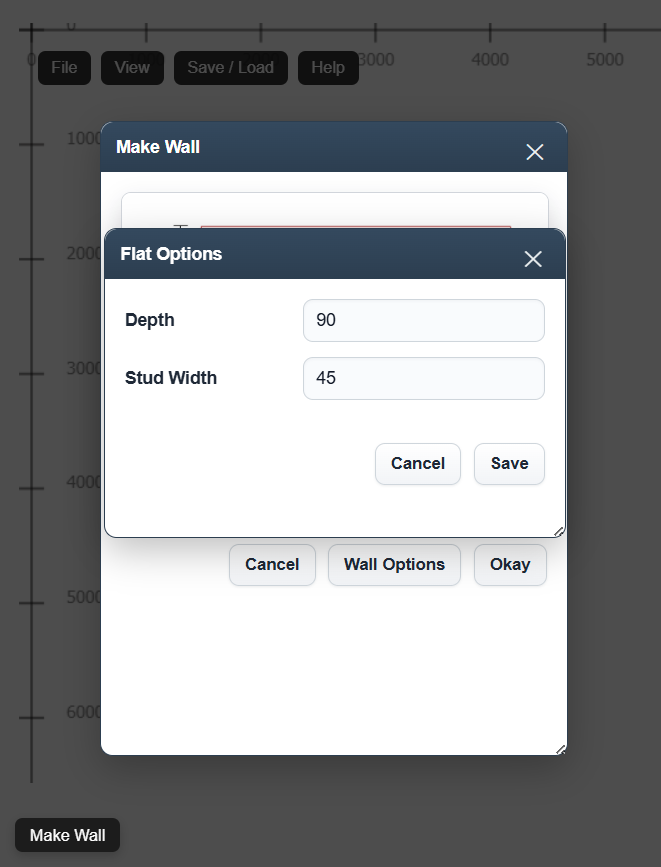
Spacing-related controls are in Wall Options within wall setup flows.
Yes. Set base spacing first to reduce redesign cycles.
Yes. The same Wall Options pattern applies across wall types.
Use the app link below to start directly in FramingPlans. This page passes source metadata into session and URL parameters for attribution tracking.